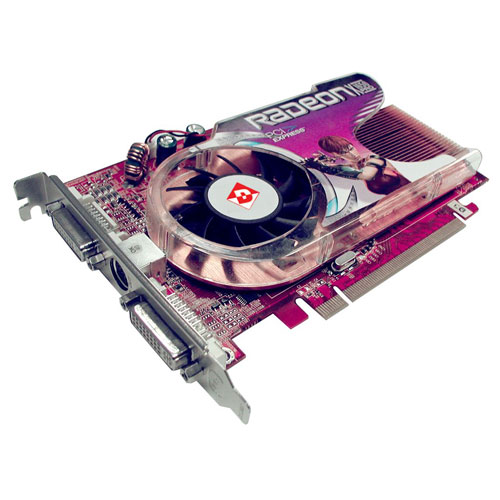
Purchasing a new video card for your computer can be a tough decision. There are approximately 60 different models of video cards available for purchase in America (PC World Magazine, 08). Most of which feature graphics chip technology from one of the two large graphic companies: ATI Technologies and NVidia Corp. However, if you can answer a couple questions about how you plan to use the card and what computer system you have, you can make the process much simpler and choose the best video card for your needs and budget.
Whether you are considering an upgrade to your current system, or you want your new system to be able to run the latest games, here are some things you should know before buying a video card.
Did You Update the Drivers?
If you’re thinking of replacing your video card because you’re having problems running a certain game or whatever, make sure you have the latest version of the drivers for your current graphics card. You will find the latest drivers for your card available for download from the manufacturer’s Web site.
Chipsets
For the purpose of gaming or high-end graphic work… two developers of 3D graphics card chipsets have come to dominate the market: NVidia and ATI Radeon. While there are many video card manufacturers, most of them build their cards around chipsets designed and supported by one of these two companies. Certain games and heavy graphic applications will run a little better on one chipset than another – something you might want to consider before deciding which way to go.
 My Recommended Video Card
A fantastic PCI Graphic Video Card is the DIAMOND ATI Radeon HD 4800 Series. With this card you can Play the latest PC games supporting DirectX 10.1, run the newest gaming graphics, work & perform just about all of the productivity applications available, create video-playback, edit in AVI formatting, run High Definition video playback (Blu-ray), and create work for everyday home computing applications (such as Vista, photos, standard and videos).